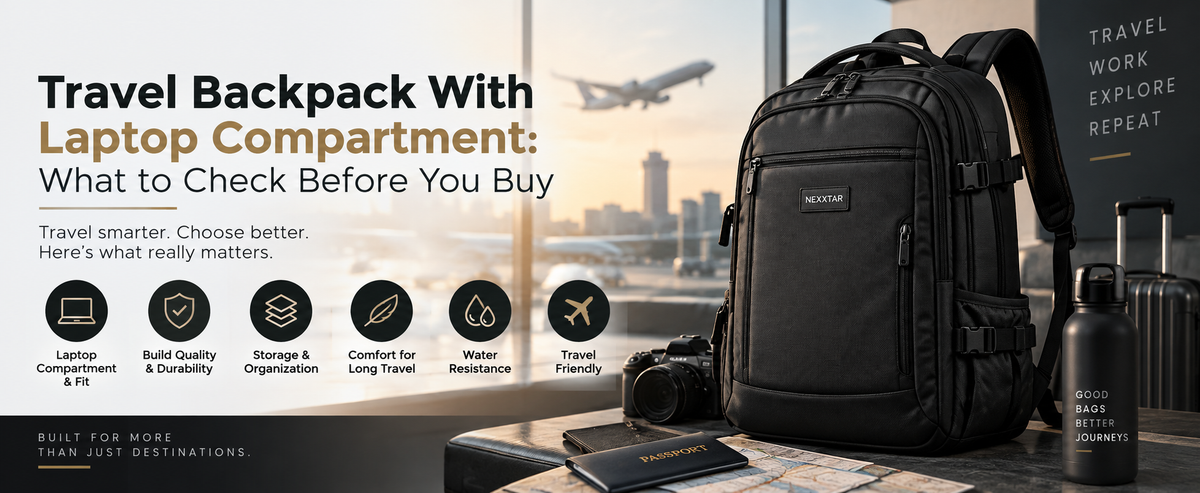
Travel Backpack With Laptop Compartment: What to Check Before You Buy
A laptop compartment is one of those features that looks identical in every product photo and behaves completely differently in real use. Some genuinely protect a device through rough handling, overhead bins, and being set down on hard floors. Others are little more than a flat pocket sewn into the main compartment, offering almost no real cushioning at all.
If you're specifically looking for a travel backpack with laptop compartment, the difference between these two matters a lot more than it seems from a product listing. Here's what actually separates a genuinely protective compartment from one that just claims to be.
Why "Has a Laptop Compartment" Isn't Enough Information
Almost every travel backpack on the market today advertises a laptop compartment, because it's become an expected baseline feature rather than a differentiator. That's exactly the problem — the phrase alone tells you almost nothing about how well it actually protects a device.
A genuinely good compartment and a barely-there one can both technically qualify as "has a laptop compartment" on a spec sheet, while performing very differently the moment the bag gets bumped, dropped, or packed heavier than usual.
What to Actually Check
1. Is the Sleeve Raised Off the Base?
This is the single most important detail, and the easiest to miss. A laptop sleeve that sits directly against the bottom of the bag offers almost no cushioning against impact from being set down — the laptop absorbs the shock directly. A properly designed compartment raises the sleeve slightly off the base, so the bottom panel and any padding underneath absorb impact first.
2. Is There Actual Padding, or Just a Fabric Divider?
Run a hand across the compartment before buying, if possible. Genuine padding has noticeable thickness and slight give when pressed. A compartment that's just two layers of thin fabric stitched together offers structural separation but very little cushioning.
3. Does It Sit in a Separate, Dedicated Section?
Laptop compartments that share space with the main compartment mean your laptop is competing for room with clothes, chargers, and whatever else gets packed. A dedicated section — accessible from its own zipper, ideally — keeps the device isolated from pressure and movement caused by everything else in the bag.
4. What Size Does It Actually Fit?
Compartment sizing varies more than people expect. A sleeve rated for "up to 15 inches" sometimes fits a 15-inch laptop uncomfortably tight, especially with a case on. If your laptop is close to a size boundary, checking exact compartment dimensions avoids a frustrating surprise.
5. Is It Accessible Without Opening the Whole Bag?
For travel specifically, this matters more than it does for daily commuting. Airport security often requires laptops to be removed and placed separately. A compartment accessible via its own external zipper makes this significantly faster and keeps the rest of your packed items undisturbed.
Why This Matters More for Travel Than Daily Commuting
A daily commute bag mostly deals with predictable handling — worn on your back, set down under a desk, maybe bumped on a crowded train. Travel introduces far rougher conditions: overhead bin storage, being stacked under other luggage, security screening, and being set down on airport floors, train platforms, and hotel room surfaces of unknown cleanliness and hardness.
A laptop compartment that performs fine for daily use can genuinely fail to protect a device through a few days of travel handling — which is exactly why travel-specific backpacks need to be evaluated against tougher standards than everyday bags.
A Quick Way to Judge Compartment Quality Before Buying
If you can see the bag in person, press firmly on the laptop compartment from the outside. A well-padded, properly raised sleeve will resist noticeably, with the pressure distributing rather than pressing straight through to your hand. If you can feel your fingers essentially touching the outer fabric of the bag through the compartment, the padding isn't doing much.
Common Mistakes to Avoid
Assuming any backpack labeled "laptop compartment" offers real protection is the most common and costly mistake, since the phrase alone guarantees very little. Prioritizing capacity over compartment quality often means ending up with a spacious bag that still risks the one item most people can't afford to damage. And skipping a compartment size check against your specific laptop's dimensions, rather than the advertised "fits up to" figure, is how ill-fitting sleeves end up being discovered only after purchase.
Frequently Asked Questions
What makes a laptop compartment in a travel backpack genuinely protective?
A raised, padded sleeve that sits off the base of the bag, housed in a dedicated section separate from the main compartment, offers significantly better protection than a flat pocket sewn into shared storage.
Is a separate laptop compartment necessary for travel, or is a padded sleeve enough?
A dedicated compartment is generally better for travel specifically, since it keeps the laptop isolated from pressure and movement caused by other packed items during handling.
What size laptop compartment should I look for?
Check the exact compartment dimensions rather than just the fits up to size listed, especially if your laptop is close to a size boundary like 15 or 16 inches.
Why does laptop compartment quality matter more for travel than daily commuting?
Travel involves rougher handling conditions, including overhead bins, security screening, and being set down on varied surfaces, all of which put more strain on compartment protection than typical daily commuting.
Trusting a bag with your laptop on your next trip? A quick press-test on the compartment before you buy tells you more about real protection than any spec sheet claim.