
How to Measure Your Laptop for a Backpack Sleeve
If you have ever bought a backpack only to find your laptop either does not fit or rattles around with too much room, you are not alone. Most people assume their laptop size and backpack sleeve size will naturally match. They rarely do without a little checking first.
Here is exactly how to measure your laptop for a backpack sleeve so you never deal with that problem again.
Why the Sleeve Size and Your Laptop Size Are Different Things
Laptop backpacks are marketed by the size of laptop they support, usually listed in inches. A backpack that says it fits a 15.6 inch laptop is referring to the screen diagonal measurement, not the physical dimensions of the device itself.
Two laptops with the same screen size can have completely different chassis measurements depending on the brand and model. A 15.6 inch Dell Inspiron and a 15.6 inch HP Pavilion can differ by a few centimetres in both width and depth. This matters because a sleeve that feels roomy for one may be too tight for the other.
Step 1: Measure the Actual Dimensions of Your Laptop
Close your laptop and lay it flat on a table. You need three measurements
Width: Measure from the left edge to the right edge of the closed lid.Height (depth): Measure from the front edge to the back hinge edge.Thickness: Measure at the thickest point, which is usually at the back near the hinge.
Write these down in centimetres. This is your laptop's actual footprint.
Step 2: Check the Sleeve Opening and Interior Dimensions
Most backpack product pages list the laptop compartment dimensions in centimetres. Look for the internal dimensions rather than the bag's external measurements. If the listing only shows the screen size it supports, contact the brand directly or check reviews where buyers with the same laptop confirm the fit.
As a general rule, add at least 2 centimetres in width and 2 centimetres in depth to your laptop's measurements to get the minimum comfortable sleeve size. This gives enough room to slide the laptop in and out without forcing it.
For example, if your laptop measures 36 cm wide and 24 cm deep, you want a sleeve interior of at least 38 cm x 26 cm.
Step 3: Account for Your Laptop Case or Sleeve
If you use a separate sleeve or case before placing your laptop inside the backpack, measure the case instead of the bare laptop. A hard case can add 5 to 10 mm of thickness on each side, which adds up quickly inside a snug padded compartment.
Step 4: Check Thickness Against the Compartment Depth
The padded divider between the laptop sleeve and the main compartment usually compresses to some degree. However, ultrabooks and slim laptops rarely cause issues here. The problem is more common with older, thicker business laptops or gaming laptops with chunky chassis.
Most dedicated laptop sleeves in quality backpacks comfortably fit laptops up to 25 mm thick. Gaming laptops often exceed this, so confirm before buying.
Step 5: Check Whether the Sleeve Is Padded on All Sides
A properly protected laptop sleeve should have padding on the back panel, the front divider and ideally a soft lining on the inside to prevent screen scratches. If a backpack only has a fabric pocket labelled as a laptop sleeve, it offers minimal protection against impact.
Common Laptop Sizes and What to Look For
13 to 13.3 inch laptops: Most backpacks with a stated laptop compartment will accommodate these. Your main concern is thickness and ensuring it does not slide around.
14 inch laptops: Standard fit in most modern laptop backpacks. Comfortable in anything rated for 14 inch or 15.6 inch.
15.6 inch laptops: The most common size. Any backpack rated for 15.6 inch should work. Still confirm internal dimensions if you have a wide-chassis model.
17 inch laptops: These require a specifically rated compartment. Many standard backpacks will not fit these. Look for bags explicitly labelled for 17 inch or measure the compartment carefully.
One More Thing: Zipper Clearance
Even if your laptop technically fits inside the sleeve by centimetre measurements, check whether the zip can close comfortably without straining. A tight fit puts stress on the zipper teeth over time and risks damaging the pull mechanism or the laptop's edges.
Measure first. It takes less than two minutes and saves you from the frustration of returning a bag or carrying a laptop that sits half exposed.
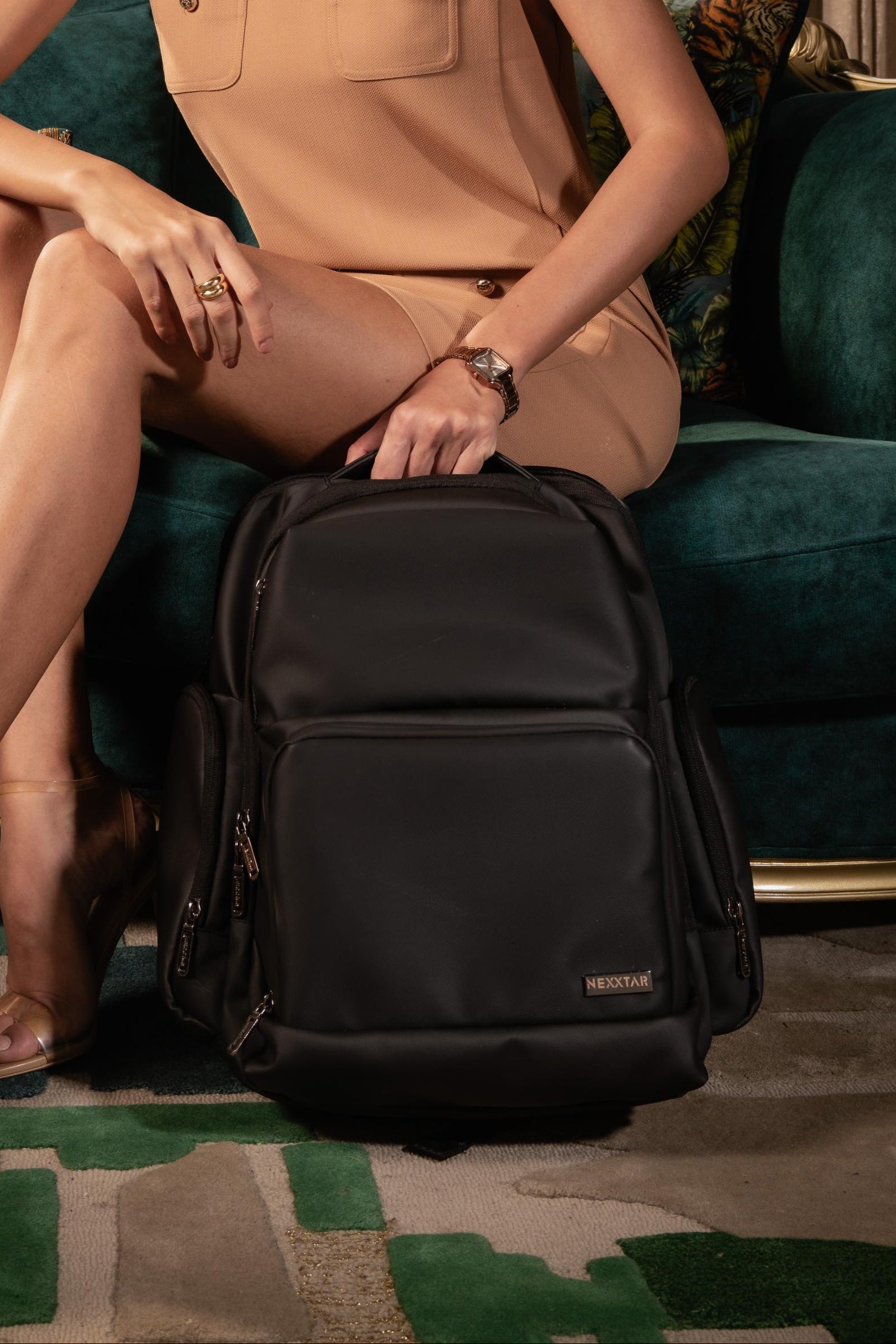
Nexxtar laptop backpacks are available in options designed for 15.6 inch laptops, with clearly listed internal compartment dimensions so you can confirm the fit before ordering. Explore the collection at Nexxtar.in.